What Are You Looking For?


Fanfold 4x6 Thermal Printer Label 10x15 Adhesive Waybill Sticker A6 Shipping Labels
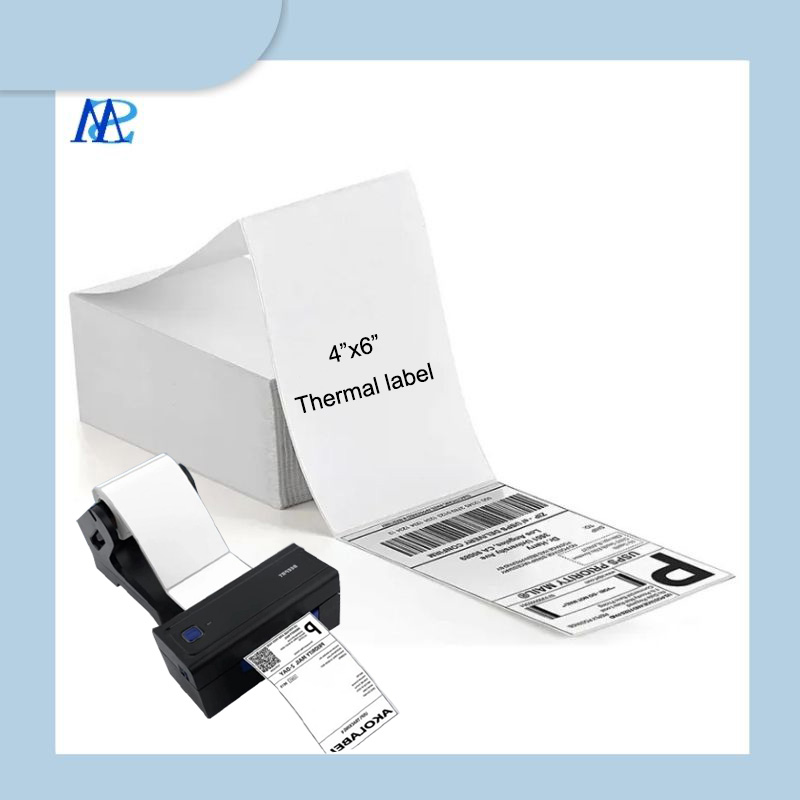
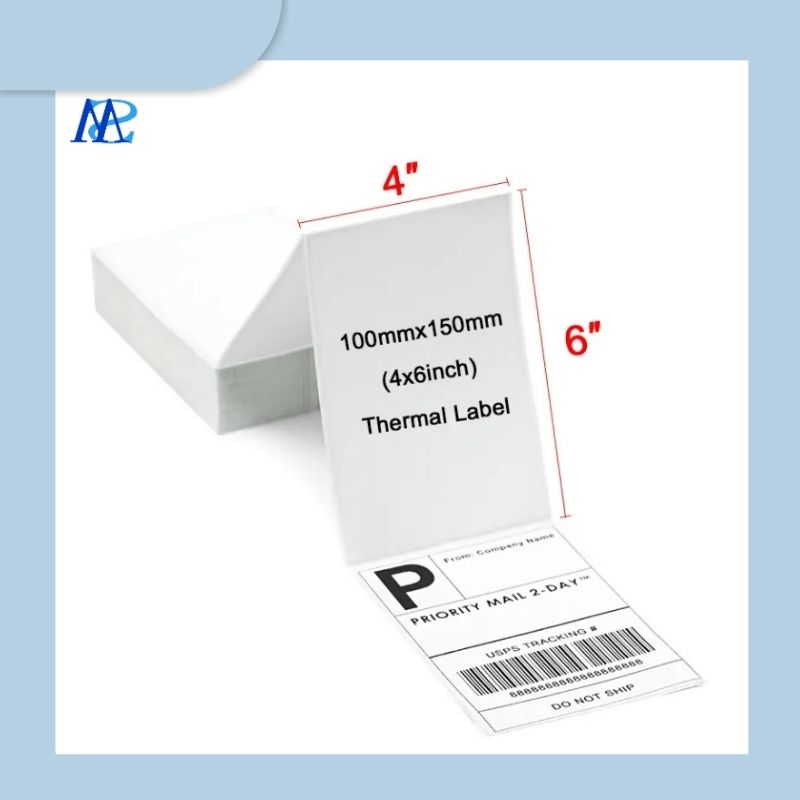
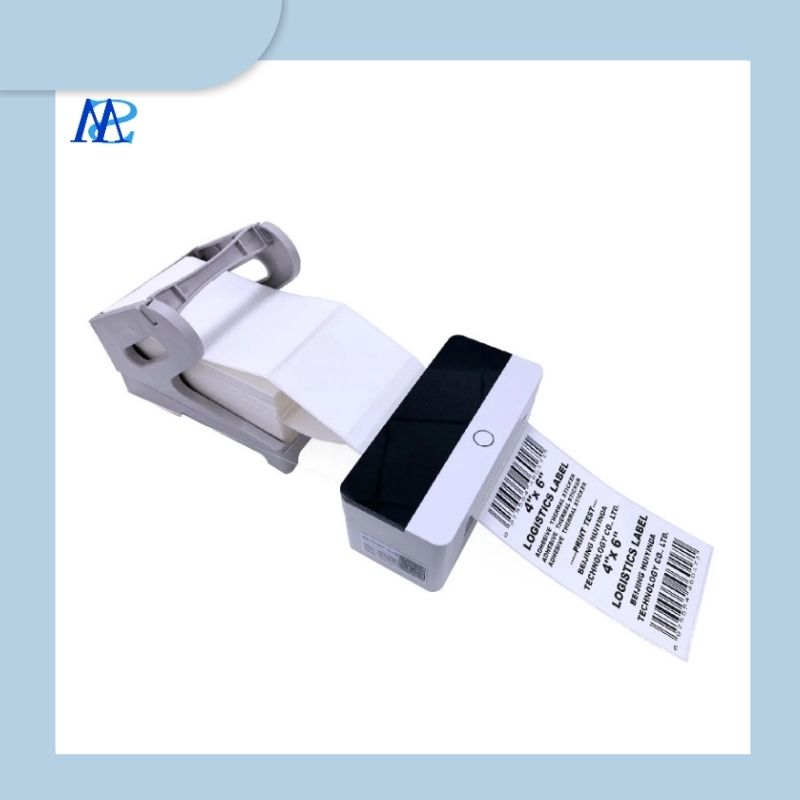
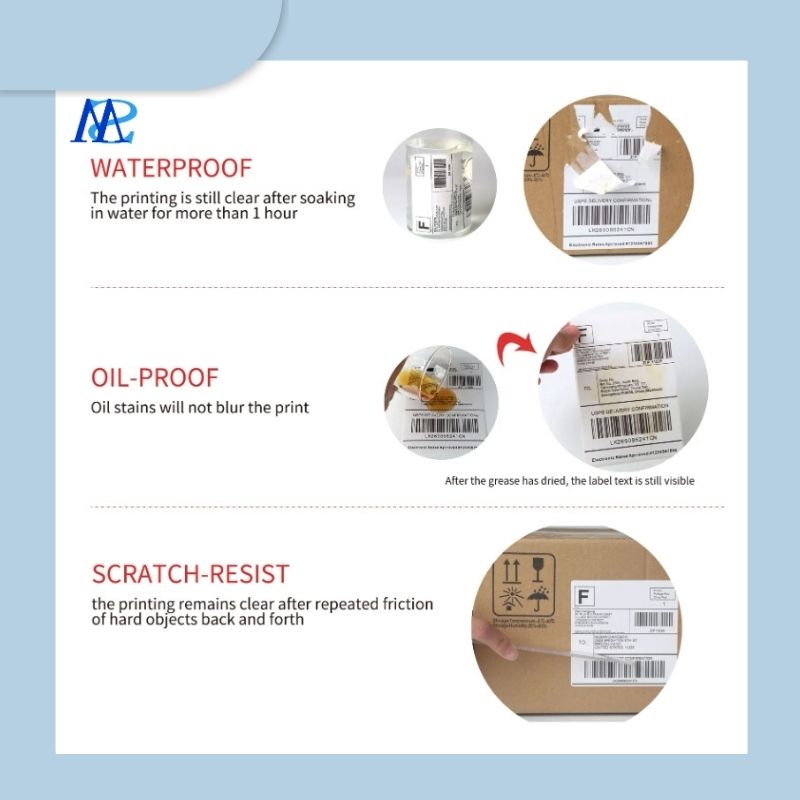

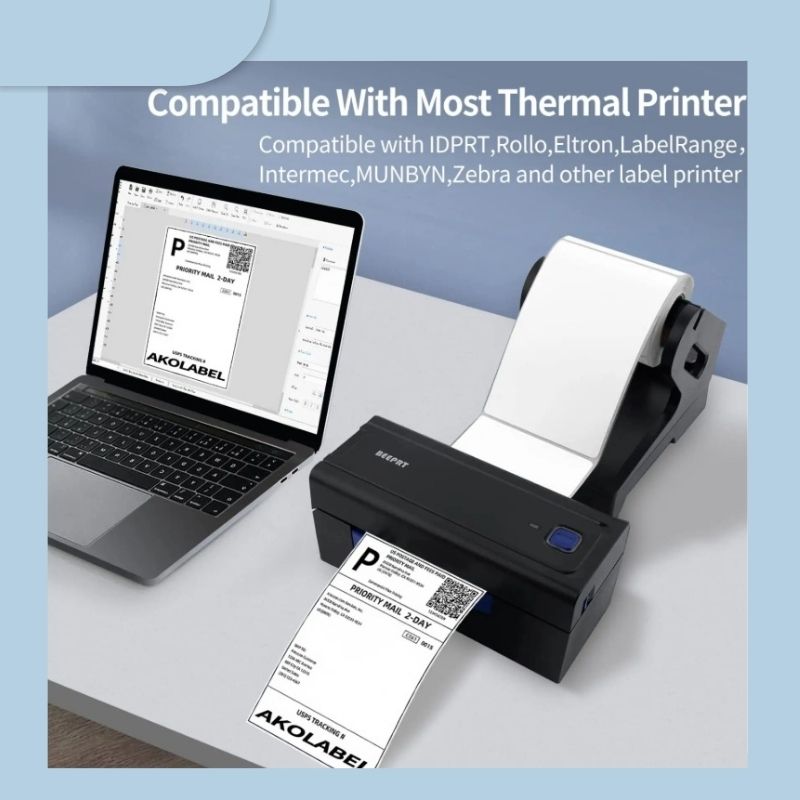
Fanfold 4x6 Thermal Printer Labels are designed to provide a convenient and cost-effective labeling solution for a wide range of applications. These labels measure 4 inches by 6 inches and are specifically engineered for use with direct thermal printers, ensuring crisp and clear prints every time.
Item No :
Fanfold 4x6 Thermal Printer LabelOrder(MOQ) :
50-100rollsPayment Term :
100% before shippingProduct Origin :
CHINAColor :
CMYK,Full Color and PantoneShipping Port :
Xiamen/Qingdao/Shanghai/ShenZhenLeading Time :
15 working days after depositFanfold 4x6 Thermal Printer Label 100x150 Adhesive Waybill Sticker A6 Shipping Labels
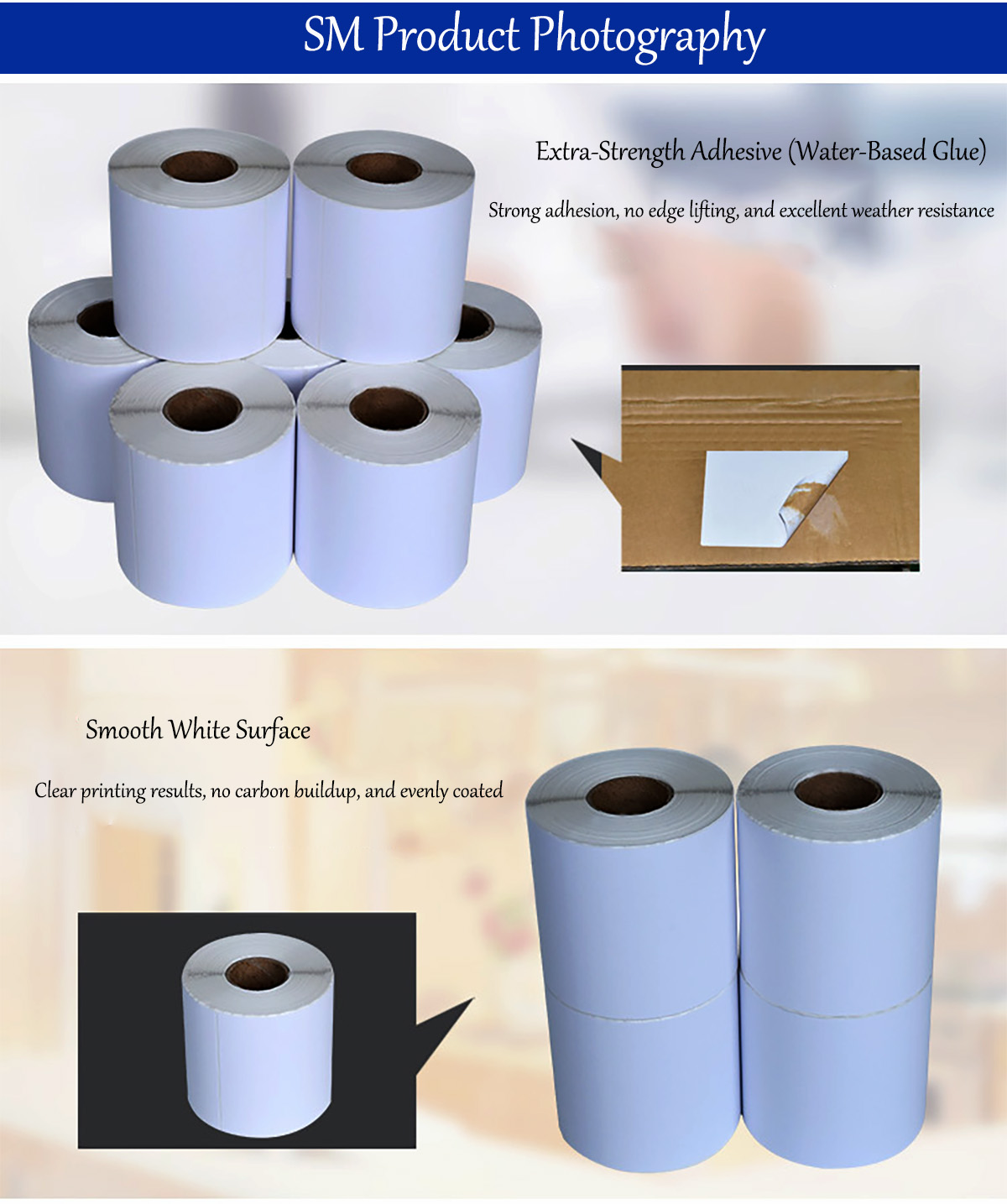
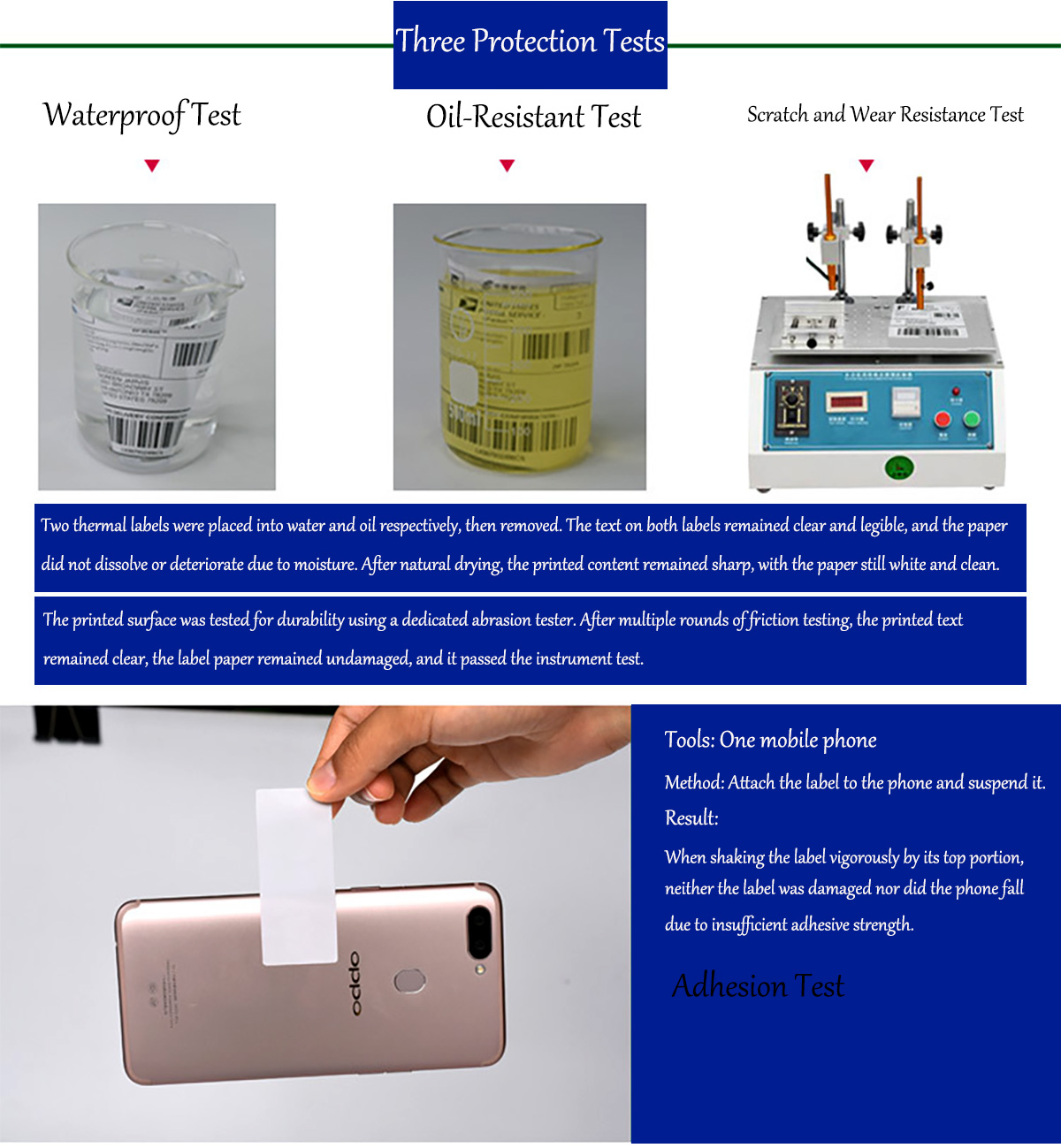
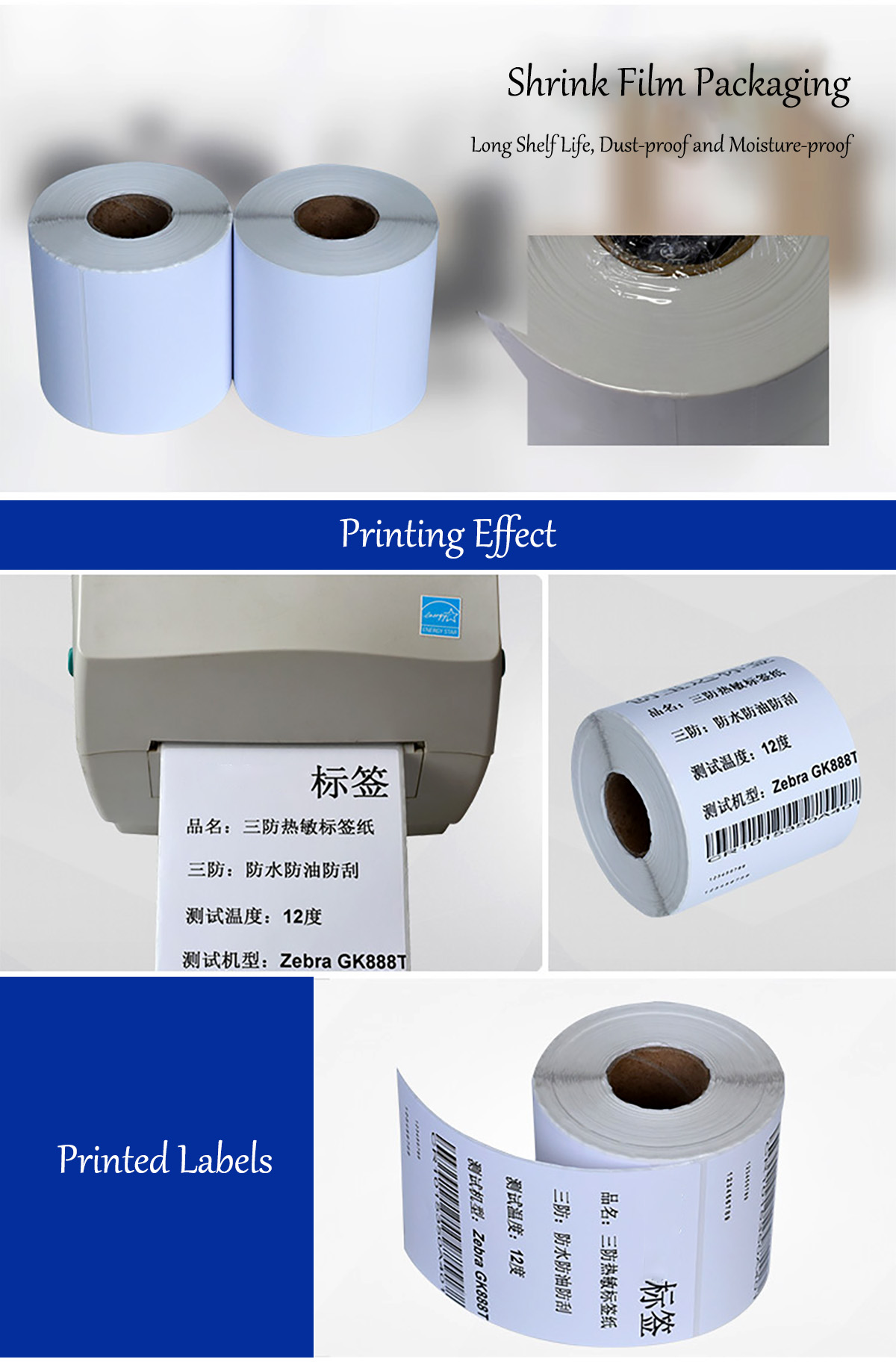


Fanfold 4x6 Thermal Printer Label
Fanfold 4x6 Thermal Printer Labels are designed to provide a convenient and cost-effective labeling solution for a wide range of applications. These labels measure 4 inches by 6 inches and are specifically engineered for use with direct thermal printers, ensuring crisp and clear prints every time.
Features
• Fanfold Design: The fanfold structure allows for easy and continuous feeding into thermal printers, making it ideal for high-volume printing tasks. The compact stacking also saves storage space.
• High-Quality Thermal Paper: Made from premium thermal paper, these labels are designed to produce sharp and legible prints without the need for ink or toner. They are also resistant to water, oil, and smudging, ensuring that your labels remain clear and readable throughout their use.
• Strong Adhesive: Equipped with a powerful permanent adhesive, these labels can adhere firmly to a variety of surfaces, including cardboard boxes, plastic packaging, and bubble mailers. This ensures that your labels stay in place during shipping and handling.
• Compatibility: These labels are compatible with most direct thermal printers on the market, such as MUNBYN, Zebra, and Rollo. They are also suitable for use with popular shipping platforms and e-commerce platforms like FedEx, USPS, UPS, Shopify, Etsy, Amazon, and eBay.
Applications
• Shipping and Logistics: Perfect for printing shipping labels, ensuring that your packages are accurately identified and tracked during transit.
• Inventory Management: Ideal for labeling inventory items, helping you keep track of stock levels and product information.
• Retail and E-commerce: Great for product labels, price tags, and promotional tags, enhancing the overall presentation and organization of your retail environment.
Benefits
• Efficient Printing: The fanfold design and compatibility with thermal printers allow for fast and efficient printing, reducing downtime and increasing productivity.
• Cost-Effective: No need for additional ink, toner, or ribbons, making these labels a cost-effective choice for businesses of all sizes.
• Durable and Reliable: The high-quality materials and strong adhesive ensure that your labels remain intact and readable, even in challenging conditions.
FAQ
Is it produced according to samples?
It can be produced according to samples or technical drawings based on MOQ
Payment terms:
T/T 100% deposit in advance
Delivery time:
It usually takes only 15-20 days after deposit
(depends on order specific and quantity )
Sample policy:
Free samples are available,shipping fees at clients’expense
FAQ ON Fanfold 4x6 Thermal Printer Label |
Blurry or Faint Print |
Causes: • The printer temperature setting is too low. • The thermal print head is worn out. • Poor-quality labels are being used. • Dust or residue on the print head. Solutions: • Increase the printer's print density or temperature settings. • Clean the print head with an alcohol wipe. • Replace the worn print head. • Use high-quality thermal labels. |
Labels Turning Black Prematurely |
Causes: • Exposure to high temperatures, sunlight, or UV light. • Poor storage conditions (high temperature or humidity). • Chemicals or oil on the labels. Solutions: • Store labels in a cool, dry place, away from direct sunlight. • Keep labels in their original packaging until ready to use. • Avoid touching labels with greasy or dirty hands. |
Printer Fails to Recognize Labels |
Causes: • Incorrect printer settings for label size. • Sensors are not detecting the labels properly. • Labels are not correctly loaded into the printer. Solutions: • Check the printer settings to ensure they are set for 4x6-inch labels. • Clean the label sensors to remove dust or debris. • Reload the labels correctly to ensure smooth passage through the printer. |
Paper Jams with Labels |
Causes: • Labels are not properly aligned. • Printer rollers are dirty or sticky. • Damaged or defective label roll. Solutions: • Ensure labels are correctly loaded and aligned in the printer. • Clean the printer rollers with a lint-free cloth and alcohol. • Replace the current label roll if it is damaged or defective. |
Barcode Labels Not Scanning Properly |
Causes: • Low print density or resolution settings. • Labels are wrinkled or damaged. • Insufficient contrast between the barcode and background. Solutions: • Increase the print density settings to achieve clearer barcode printing. • Ensure labels are flat and wrinkle-free before printing. • Use higher resolution labels (e.g., 300 DPI for detailed barcodes). |
Printer Prints Blank Labels |
Causes: • Incorrect thermal labels are being used (not direct thermal). • Print head needs cleaning or replacement. • Incorrect printer settings. Solutions: • Ensure you are using direct thermal labels, not thermal transfer labels. • Clean the print head with an alcohol wipe. • Check printer settings to ensure print density and speed are optimized. |
Labels Lack Adhesion or Fall Off |
Causes: • Weak adhesive on the labels. • Surfaces are damp or dusty. • Labels are applied to rough or textured surfaces. Solutions: • Use high-quality labels with strong adhesive on the back. • Ensure surfaces are dry and clean before applying labels. • Press the labels firmly to ensure proper adhesion. |
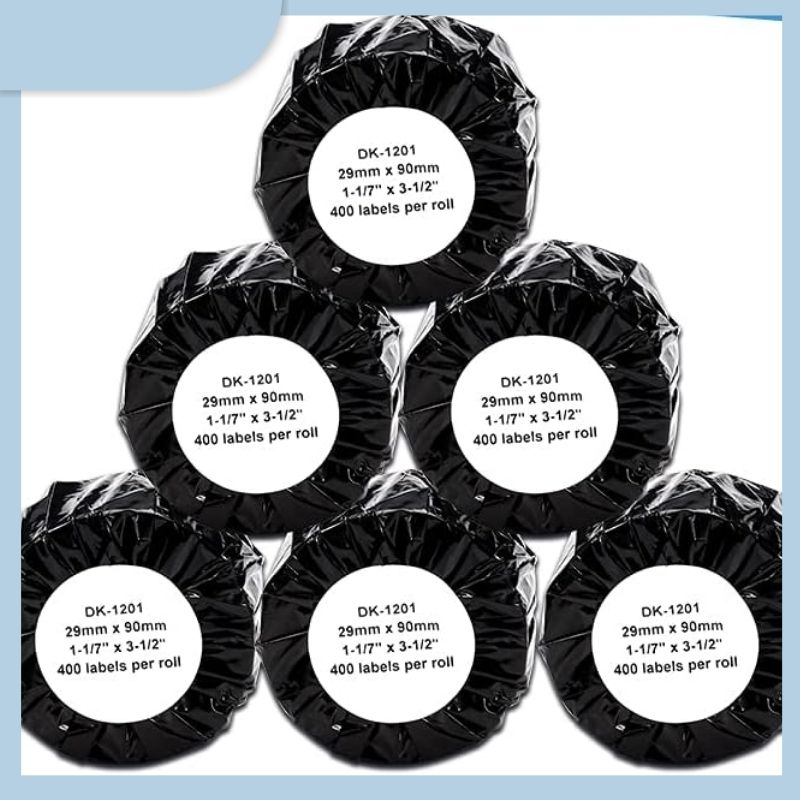
Product Name:Brother DK-1201 Standard Address Paper LabelsLabel size:3-1/2" x 1-1/10"(29mmx90mm), 40...
Learn More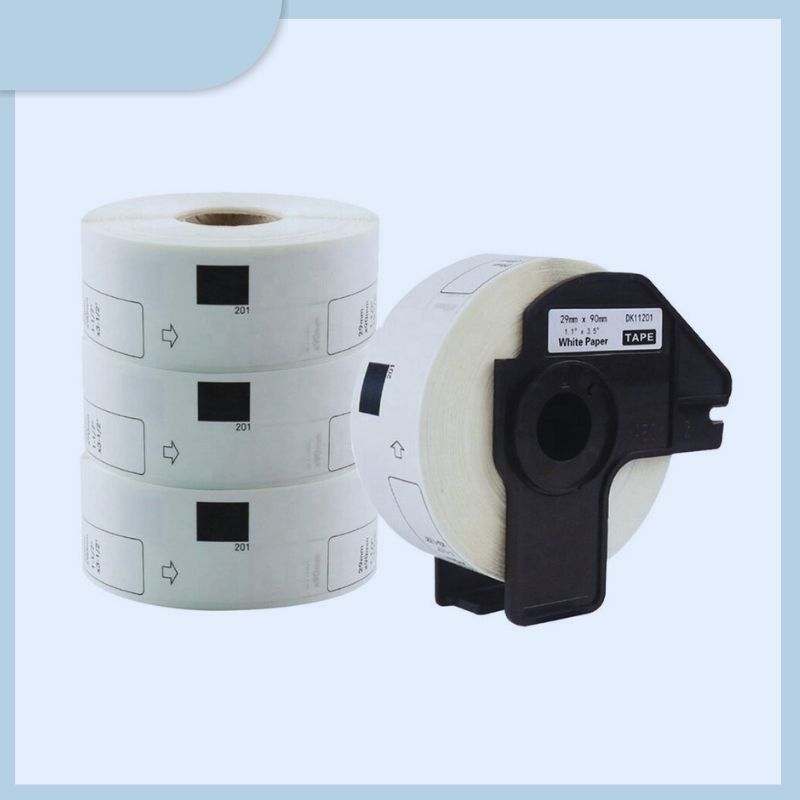
Compatible DK-11201 DK-1201 DK11201 DK1201 DK 11201 1201 Black on White Self Adhesive Thermal Paper ...
Learn More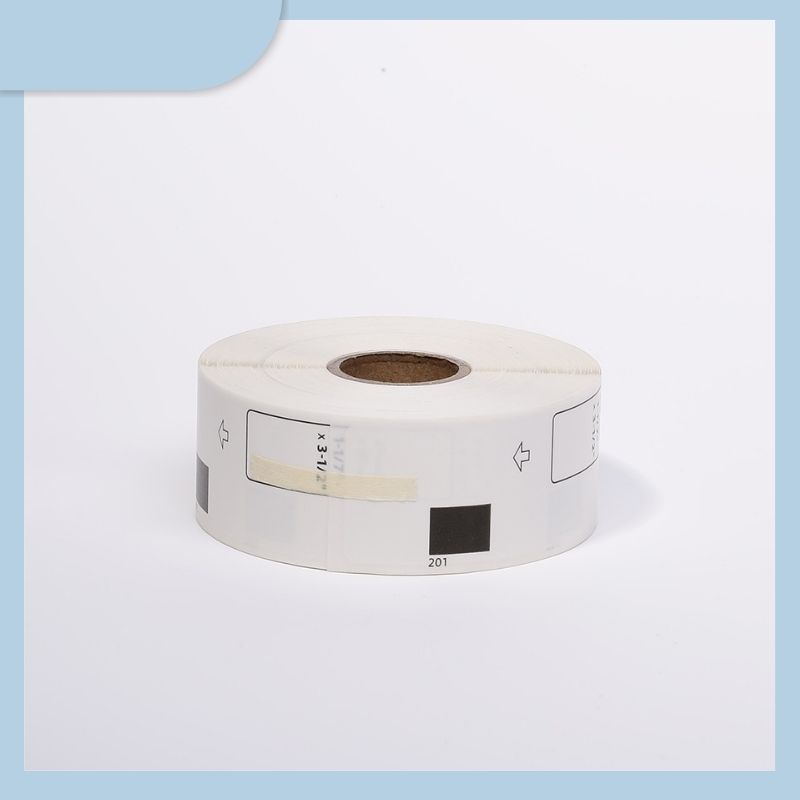
Model Number:DK-11201Product Name:DK1201 Black on White Self Adhesive Thermal Paper LabelLabel Size:...
Learn More
Model Number:DK-11201Product Name:dk1201 Black on White Self Adhesive Thermal Label PaperLabel Size:...
Learn More
Item:9901511354 Dymo compatible labelLabel size:57*32mm, 1000 labels per rollCore:1" (25.4mm)Glue:Pe...
Learn More
Custom Waterproof Variable Data Printing Adhesive Stickers Consecutive Serial Number QR Code Bar Cod...
Learn More
DK 220F DK1220 DK11220 Compatible Thermal Labels Adhesive Paper Roll for Brother P-Touch Series Labe...
Learn More


 Lianqian Neighborhood, Siming District, Xiamen, Fujian,
China 361008
Lianqian Neighborhood, Siming District, Xiamen, Fujian,
China 361008 Tel: 0086-13395056294
 Email: sinitan@foxmail.com